Your hand stays yours
Each phone is sent only what that player is allowed to see. The shared screen shows only what is public.

GameNightOS
The board goes on your TV or laptop. Everyone plays from their own phone. Nothing to install on phones and no pieces to lose.
TV app coming soon on the App Store and Google Play.
How it works
Pick a game on the TV app, or open a laptop browser at play.gamenightos.com. A code and a QR code appear on the shared screen.
Scan the code. It opens in your browser. Type a name and you have a seat. Phones join the table — they never create it.
The board stays on the shared screen. Your cards, money and choices stay on your phone.
Why it works at a real table
Each phone is sent only what that player is allowed to see. The shared screen shows only what is public.
The host can pause, undo the last move, or correct a balance, and everyone sees that it happened.
Let the shared screen roll, or roll real dice and enter the result.
Close the tab or lose signal, then come back to the same seat.
Negotiate a trade or send a private message from your phone. The table hears about a deal only once it is done.
Games today
More games join the catalog as they ship. These three are playable now.
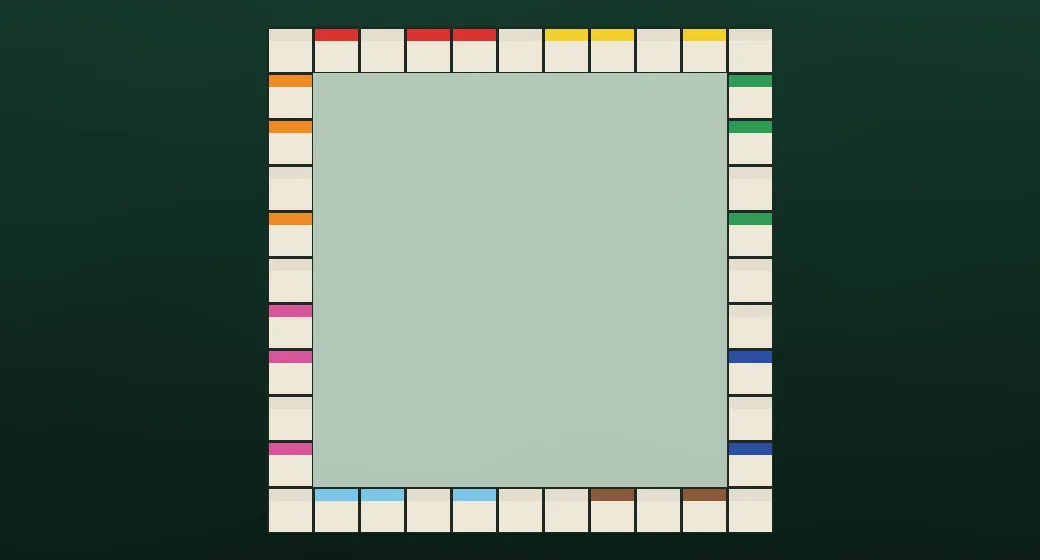
Buy streets, collect rent, build up your blocks and trade your way to the top.
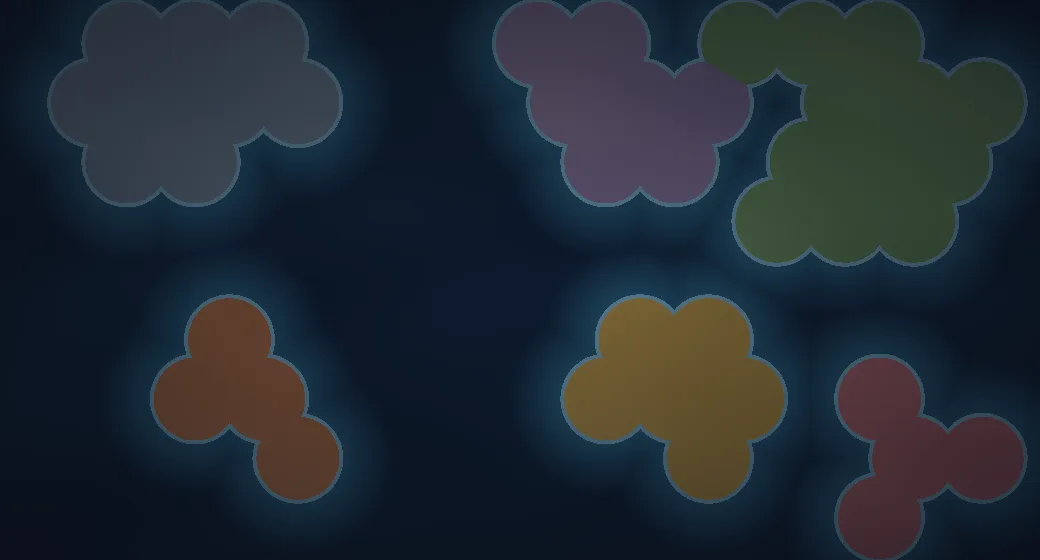
Raise armies, invade your neighbours and hold whole regions to rule the map.

Customize your dice, roll on the big screen, track turns and timers for any tabletop game.
Built in the open
GameNightOS runs on Hædron, an open-source engine anyone can use to make their own game for one shared screen and a phone per player.
Questions
A TV with the GameNightOS app, or a laptop browser at play.gamenightos.com, and a phone for each player.
No. Scan, type a name, play.
It depends on the game. Each game’s card shows its player count.
Pricing isn’t final yet. Join the waitlist and we’ll say when it is.
Coming soon
Store listings aren’t live yet. Leave your email and we’ll tell you when the TV app lands. Meanwhile you can host from a laptop at play.gamenightos.com.